
Building Peptides#
Avogadro has a builder for amino acid sequences and this walk-through will show you how to use it.

The Peptide builder is under the “Build” menu and “Insert” submenu.
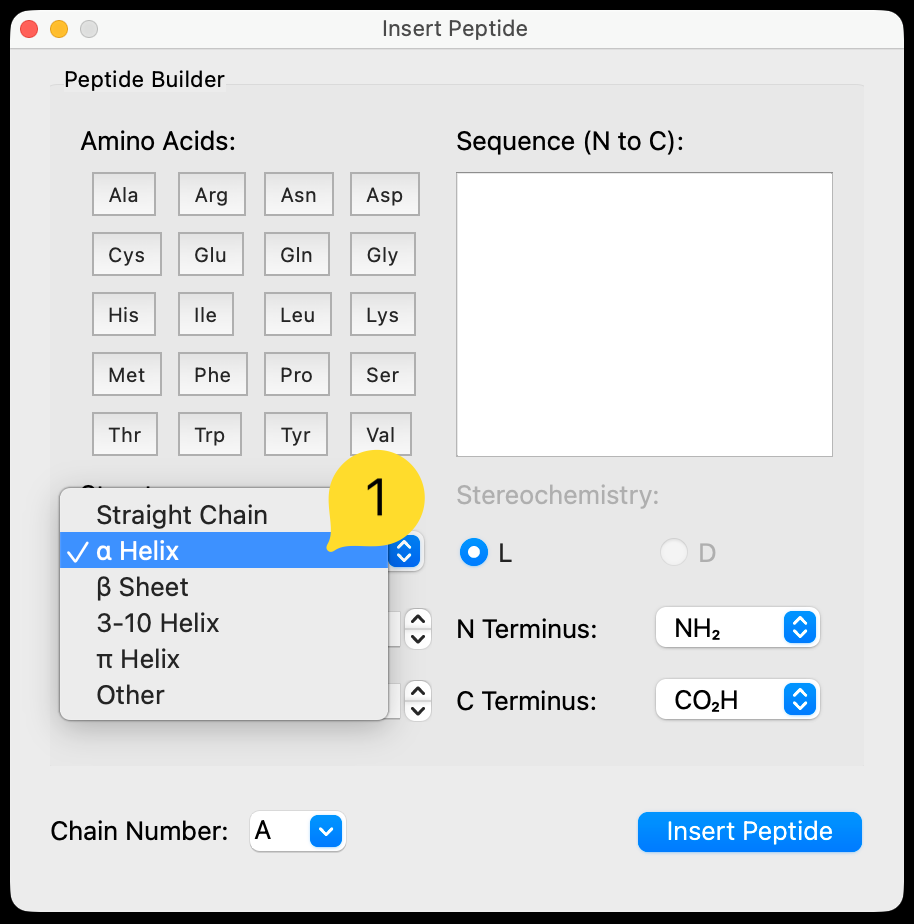
You can tune the secondary structure, including:
straight chain
alpha helix
beta sheet
other conformations
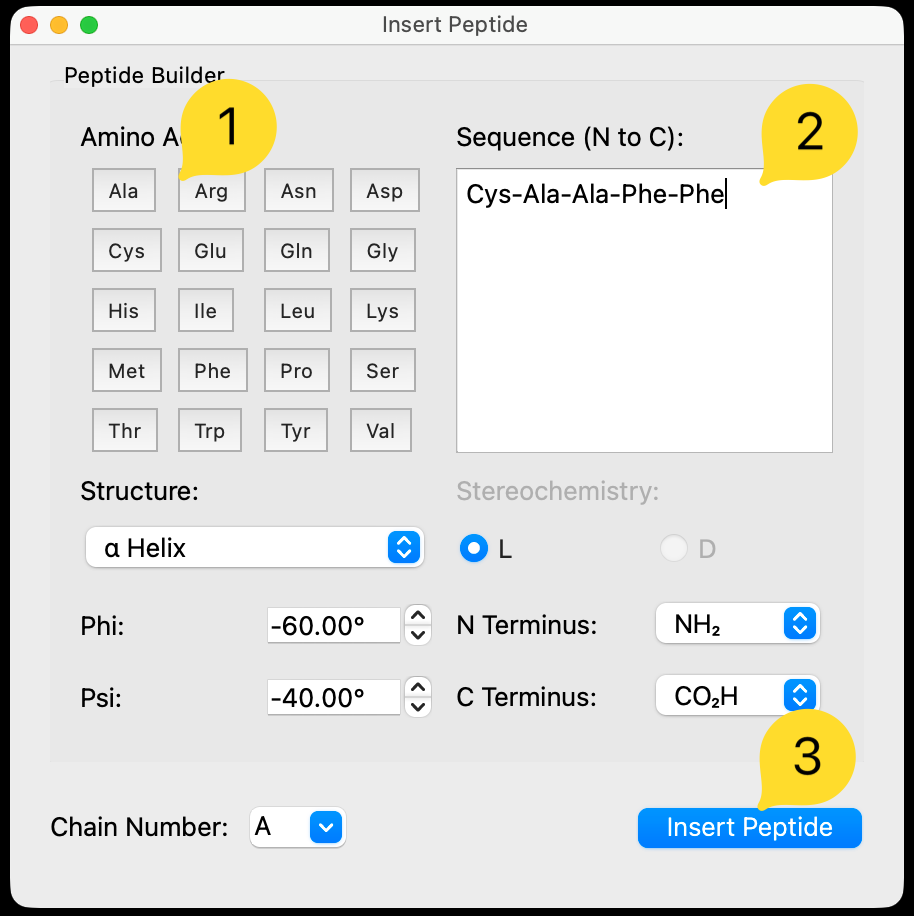
You can enter the sequence either by clicking the buttons, or by typing the three-letter amino acid codes directly.
As you click on particular amino acids, they will be added to the sequence on the right. The peptide will build up as a sequence, starting from the N terminus. Of course you can also type the residues directly or paste from an online database.
Click to insert the sequence into the main window. The new oligopeptide will be selected automatically, and the manipulate tool will allow you to translate and rotate the chain into the position you want.

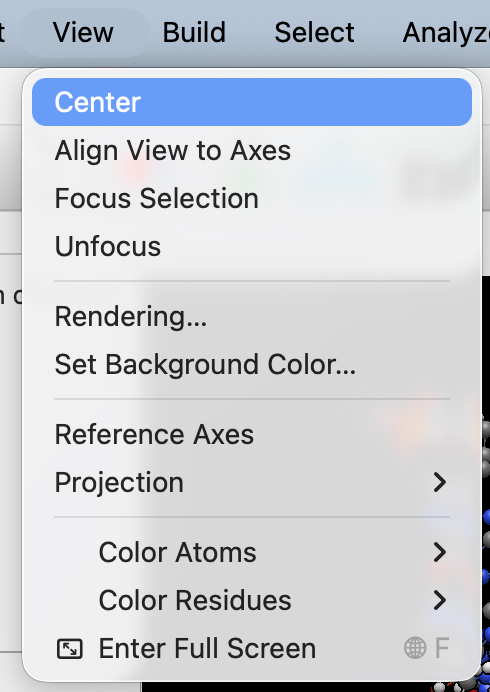
You may wish to re-center the view or align the view to axes to see the whole molecule. If needed, switch to the Navigate Tool
See Also#
Building DNA or RNA – Build DNA and RNA structures
Importing from the Protein Data Bank (PDB) – Import protein structures from the Protein Data Bank
Manipulation Tool – Move and position peptide chains
Navigation Tool – Rotate and pan the view