
Molecules Pane#
This pane shows all open files / molecules, with the currently active view highlighted in bold font.
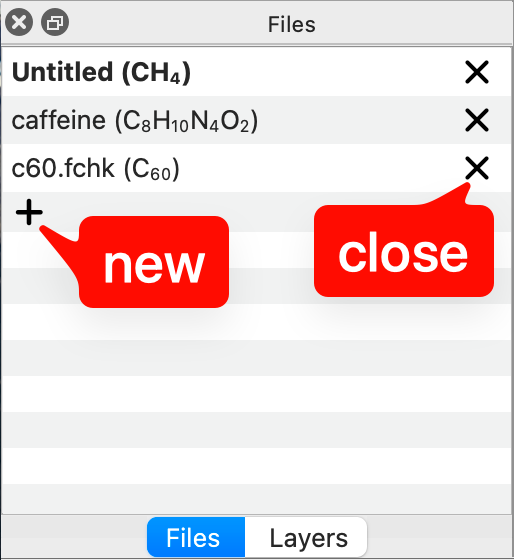
Clicking on another name will switch to that file or molecule. The current formula is updated periodically.
You can close an active file by clicking on the X icon, or create a new (empty) molecule by clicking on the + icon at the bottom of the list.