
Building Organic Molecules with Functional Groups#
This tutorial demonstrates how to rapidly build organic molecules using the Template Tool’s functional group library and keyboard shortcuts. Rather than drawing every atom, you can attach complete functional groups to a molecular scaffold with a few keystrokes.
Activate the Template Tool with Ctrl+3 or by clicking its icon in the toolbar, then select the Groups tab.
Part 1: Building a Substituted Aromatic#
Let’s build 4-nitrotoluene by starting with benzene and adding functional groups.
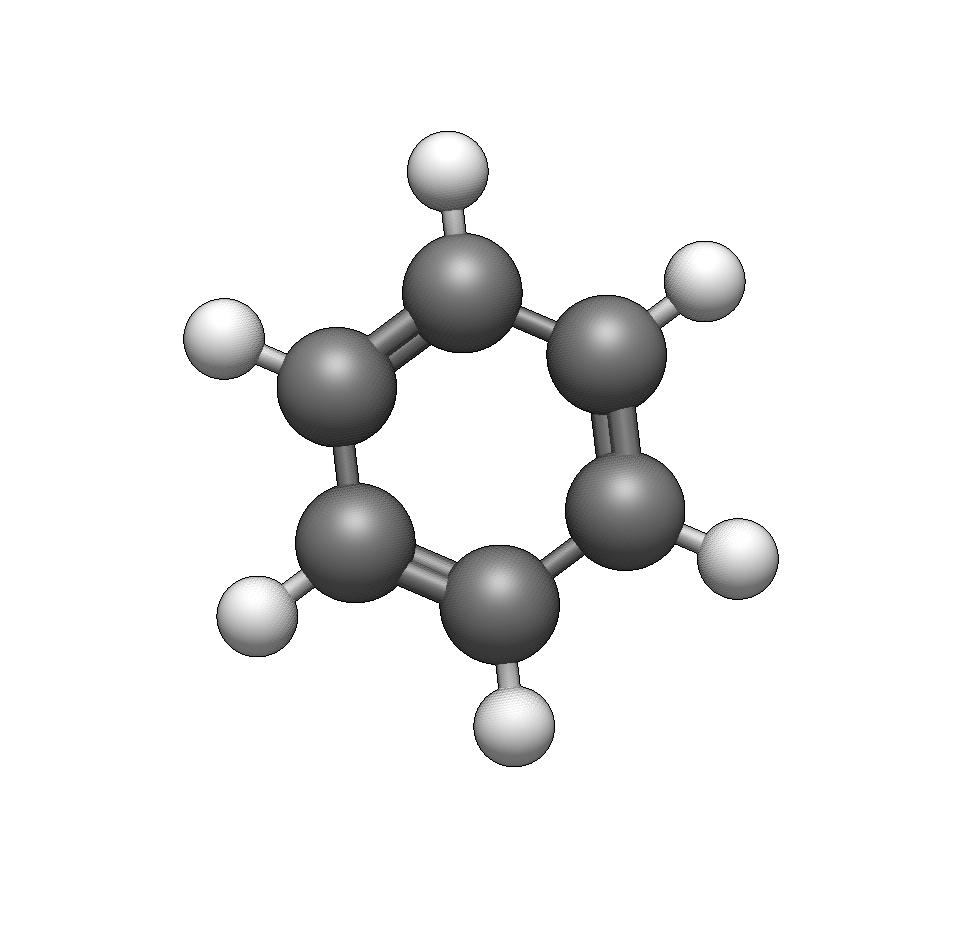
Start with benzene
Use Build → Insert → Molecule… and search for “benzene”, or draw a benzene ring with the Draw Tool.
Switch to the Template Tool
Press Ctrl+3 and navigate to the Groups tab (press → twice or click the tab).
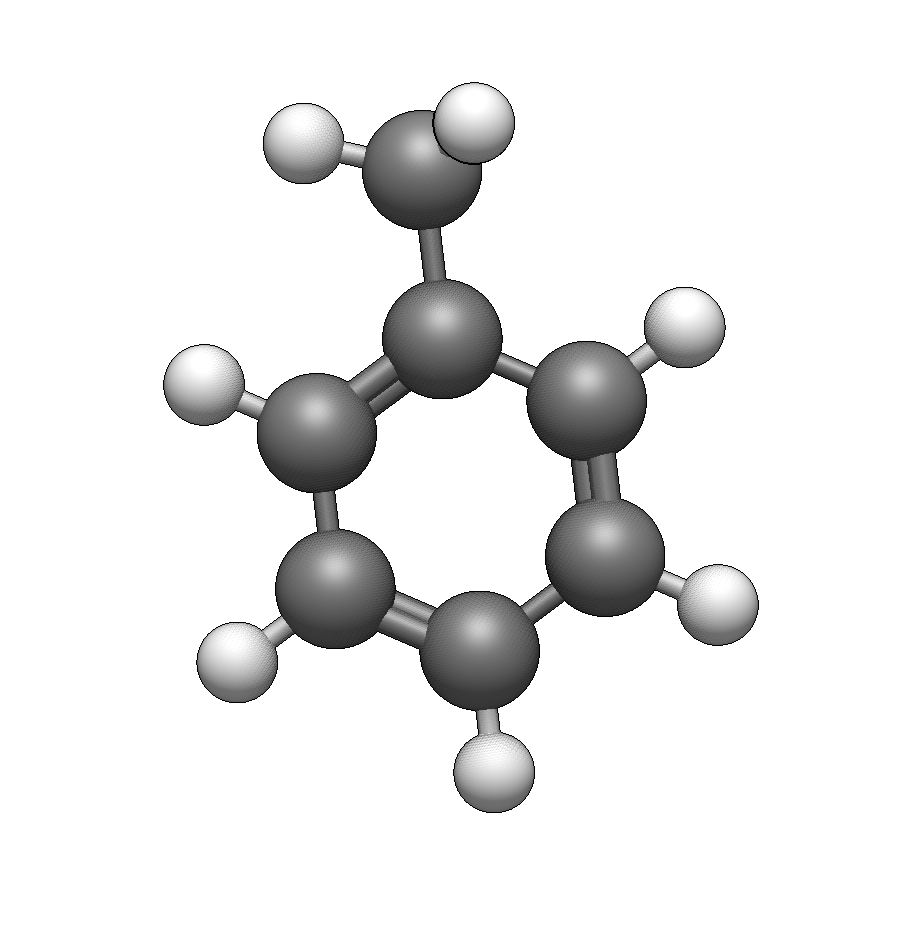
Add a methyl group
Type c to select methyl. Click on any hydrogen on the benzene ring to replace it with -CH₃.
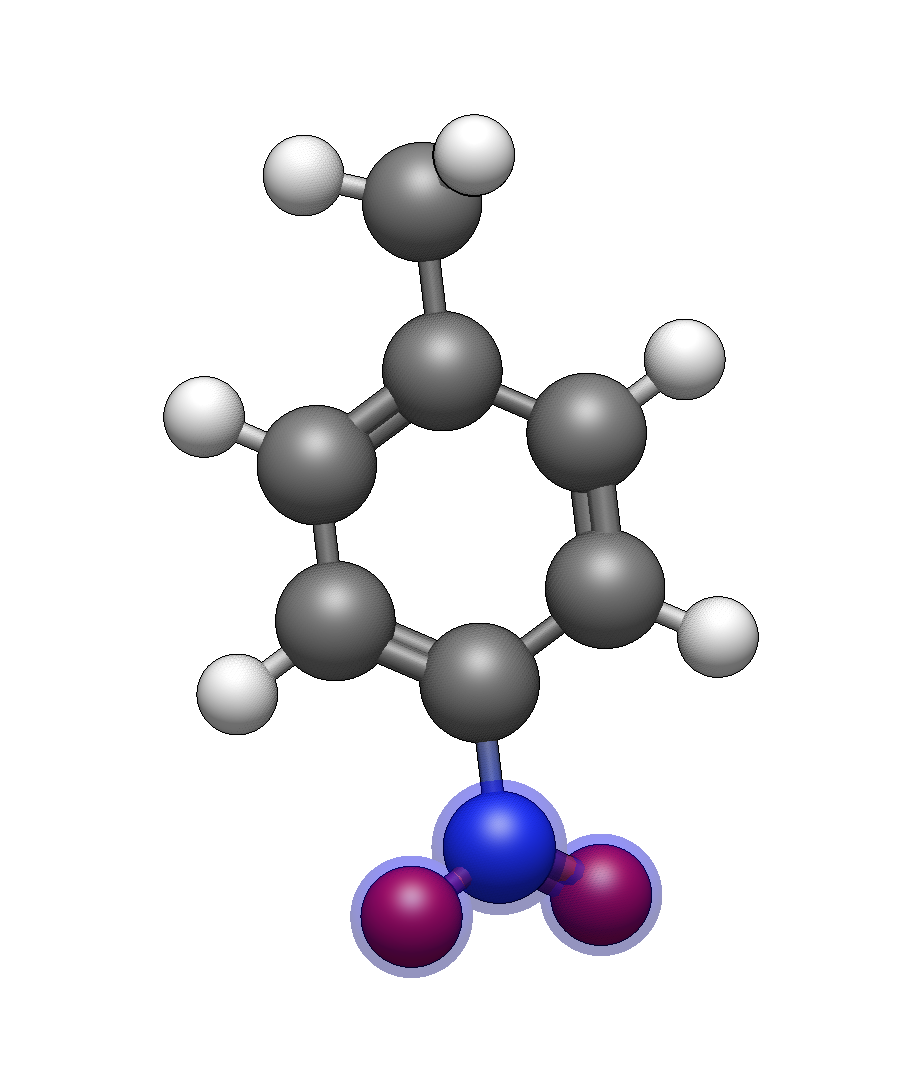
Add a nitro group
Type N (uppercase) to select nitro. Click on the hydrogen para to the methyl group (directly opposite) to create 4-nitrotoluene.
Optimize
Press Ctrl+Alt+O to clean up the geometry. You can also switch to the Auto Optimize tool.
Tip
Common aromatic substitution shortcuts:
c— MethylN— Nitroom— MethoxyF— Trifluoromethyla— Phenyl (for biphenyl systems)
You can find other keyboard shortcuts for functional groups.
Part 2: Building Alkyl Chains Quickly#
The Template Tool provides shortcuts for building alkyl chains without drawing each carbon. Let’s build a simple fatty acid: decanoic acid.
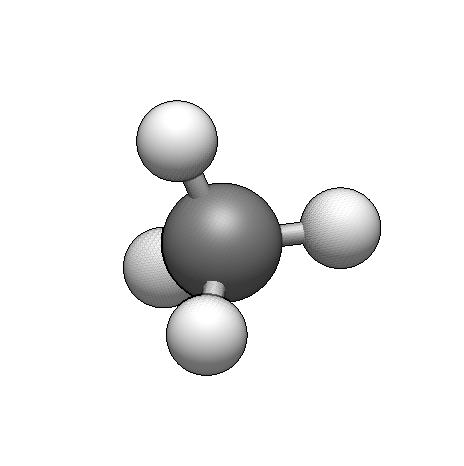
Start with a carboxylic acid
Draw a single carbon with the Draw Tool, or start with methane from Build → Insert → Molecule…
Add the carboxylic acid
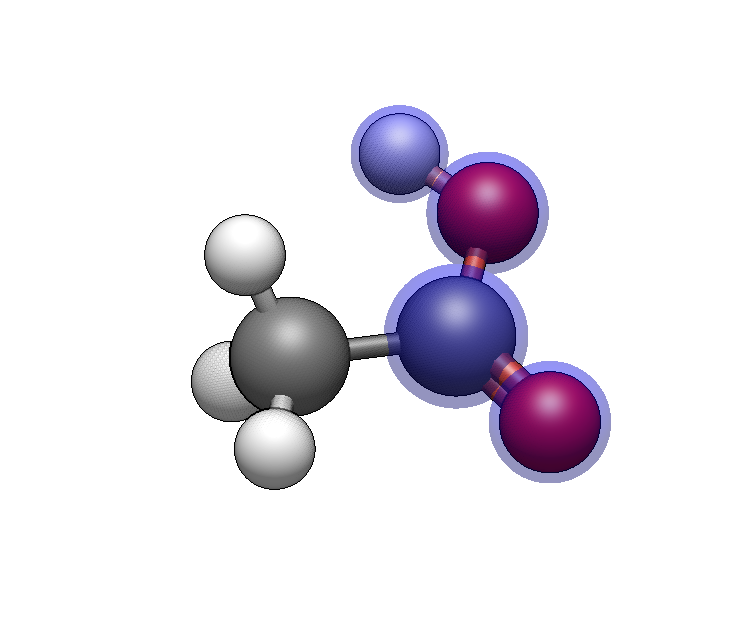
In the Template Tool Groups tab, type C (uppercase) or co2 to select carboxylate. Click on a hydrogen to add the -COOH group. We now have acetic acid.
Build the alkyl chain
Now we’ll extend the chain. The shortcuts for n-alkyl groups are:
Shortcut |
Chain Length |
|---|---|
|
Methyl (1 carbon) |
|
Ethyl (2 carbons) |
|
Propyl (3 carbons) |
|
Butyl (4 carbons) |
|
Pentyl (5 carbons) |
|
Hexyl (6 carbons) |
|
Heptyl (7 carbons) |
|
Octyl (8 carbons) |
|
Nonyl (9 carbons) |
|
Decyl (10 carbons) |
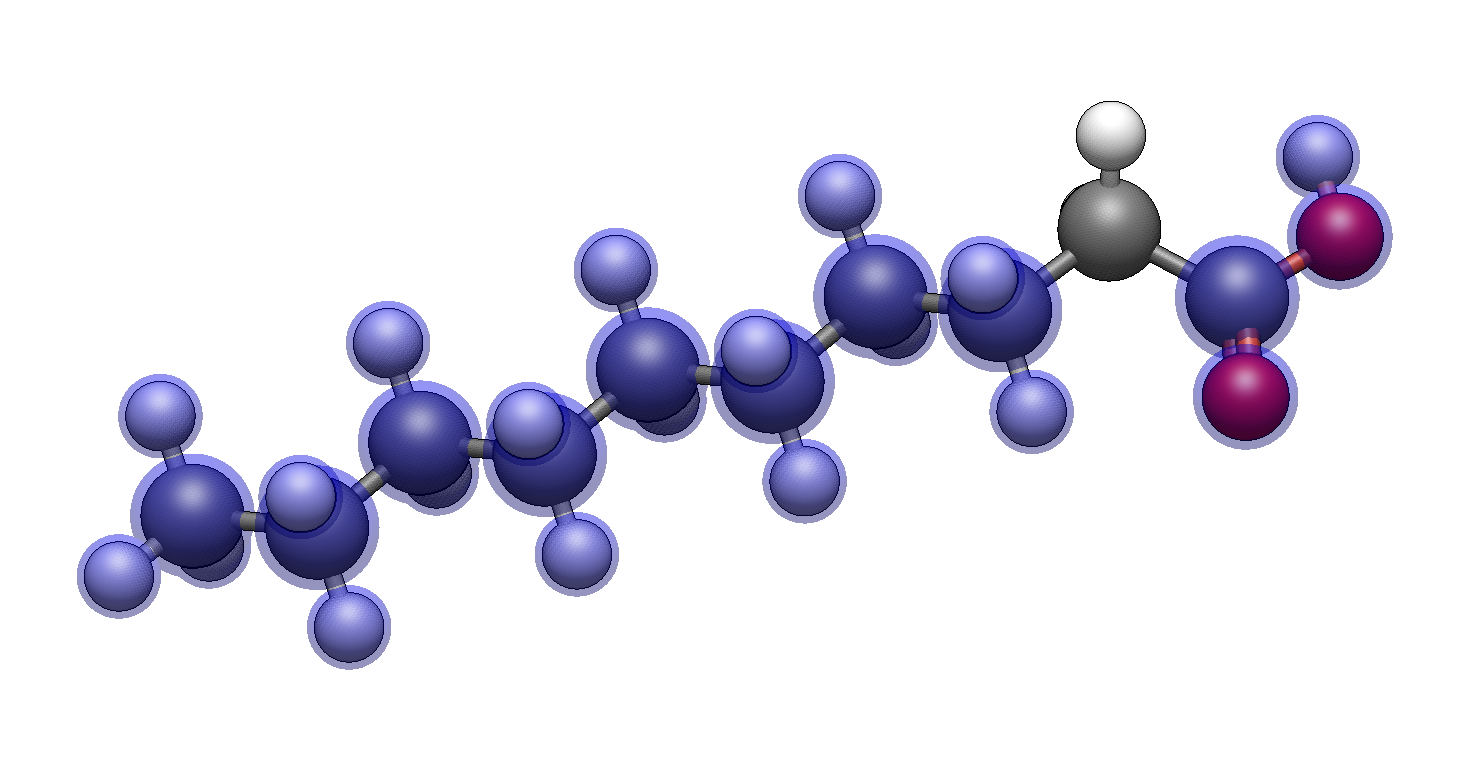
For decanoic acid (10 carbons total including the carboxyl), type c8 to select octyl. Click on the hydrogen at the end of the carboxylic acid’s carbon to add an 8-carbon chain, giving you a 10-carbon fatty acid.
Tip
If you can’t see the entire molecule, you can go to View ⇒ Center to re-center the view.
Optimize
Run geometry optimization or use the Auto Optimize tool to get a reasonable chain conformation.
Note
Shortcuts are case-sensitive! Lowercase c followed by a number gives you n-alkyl chains, while uppercase C followed by a number gives you cycloalkyl groups.
Part 3: Branched and Cyclic Groups#
Organic molecules often have branched or cyclic substituents. Here’s how to add them efficiently.
Branched Alkyl Groups#
Build isopropylbenzene also known as “cumene” (a simple branched aromatic):
Start with benzene
Type
I(uppercase) to select iso-propylClick on a hydrogen on the benzene ring
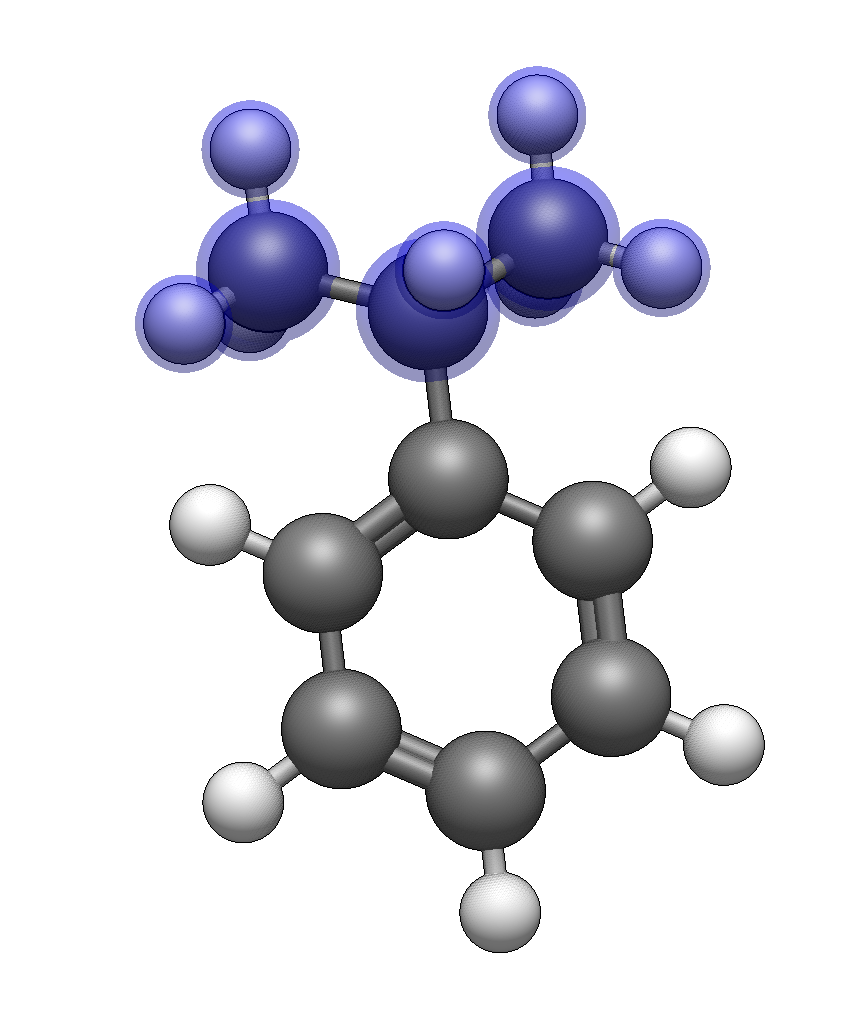
For tert-butyl groups, type K.
Cycloalkyl Groups#
Build cyclohexylmethanol:
Start with methanol (draw or insert)
Type
C6(uppercase C) to select cyclohexaneClick on a hydrogen on the methyl group
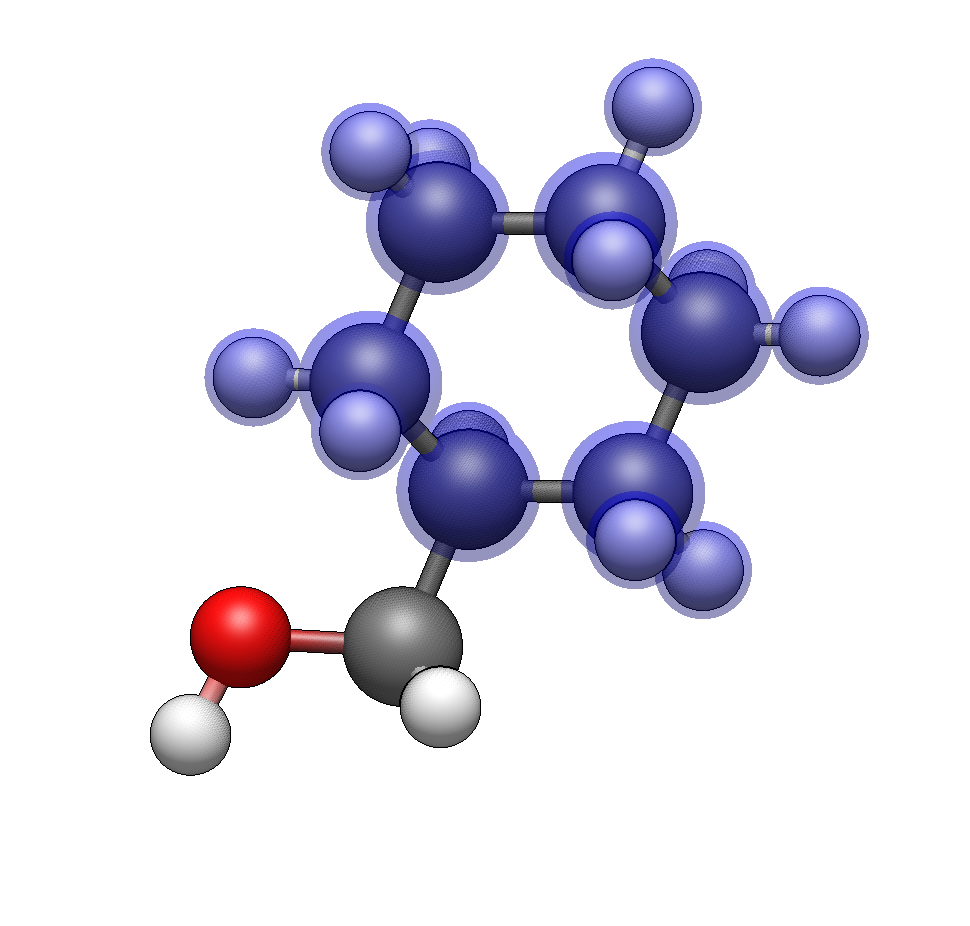
The cycloalkyl shortcuts use uppercase C:
Shortcut |
Ring Size |
|---|---|
|
|
|
|
|
|
|
|
|
|
|
Part 4: Building a Drug-like Molecule#
Let’s combine these techniques to build a more complex structure: a para-substituted benzoic acid derivative with multiple functional groups.
Target: 4-methoxy-3-nitrobenzoic acid
Build the scaffold
Insert benzene
Add carboxylic acid: Type
Cand click on a ring hydrogen (position 1)Add nitro group: Type
Nand click on an adjacent hydrogen (position 3, ortho to CO₂H)Add methoxy group: Type
omand click on the para hydrogen (position 4, opposite CO₂H)
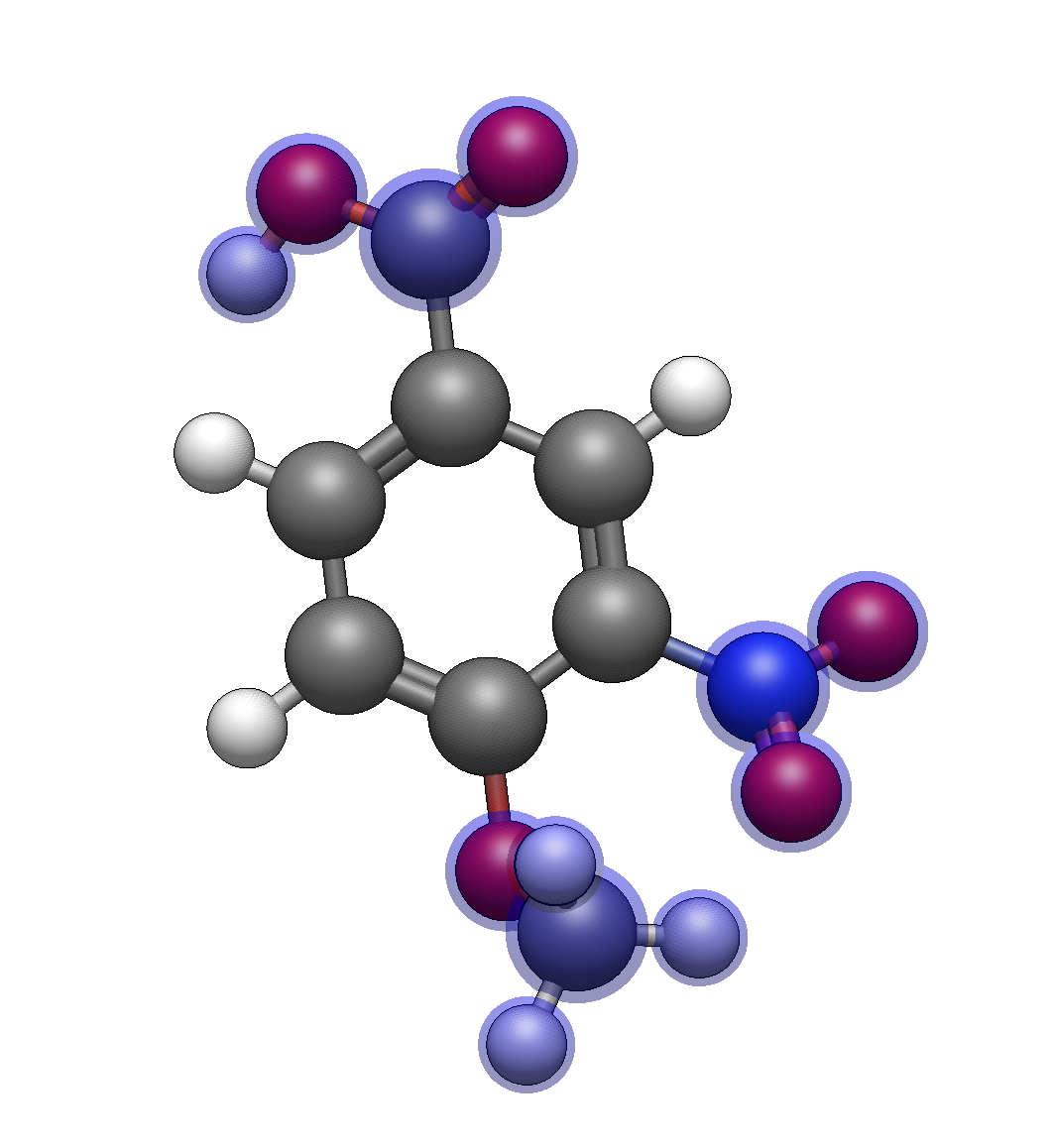
Optimize and verify
After optimization, verify you have the correct substitution pattern. The nitro and methoxy groups should be on adjacent carbons, with the carboxylic acid opposite the methoxy.
Part 5: Protecting Groups for Synthesis#
The Template Tool includes common protecting groups used in organic synthesis.
Example: Building a Protected Amino Acid#
Insert glycine using Build → Insert → Molecule…
Switch to the Template Tool Groups tab
Type
fmocto select the Fmoc protecting groupClick on one of the amine hydrogens
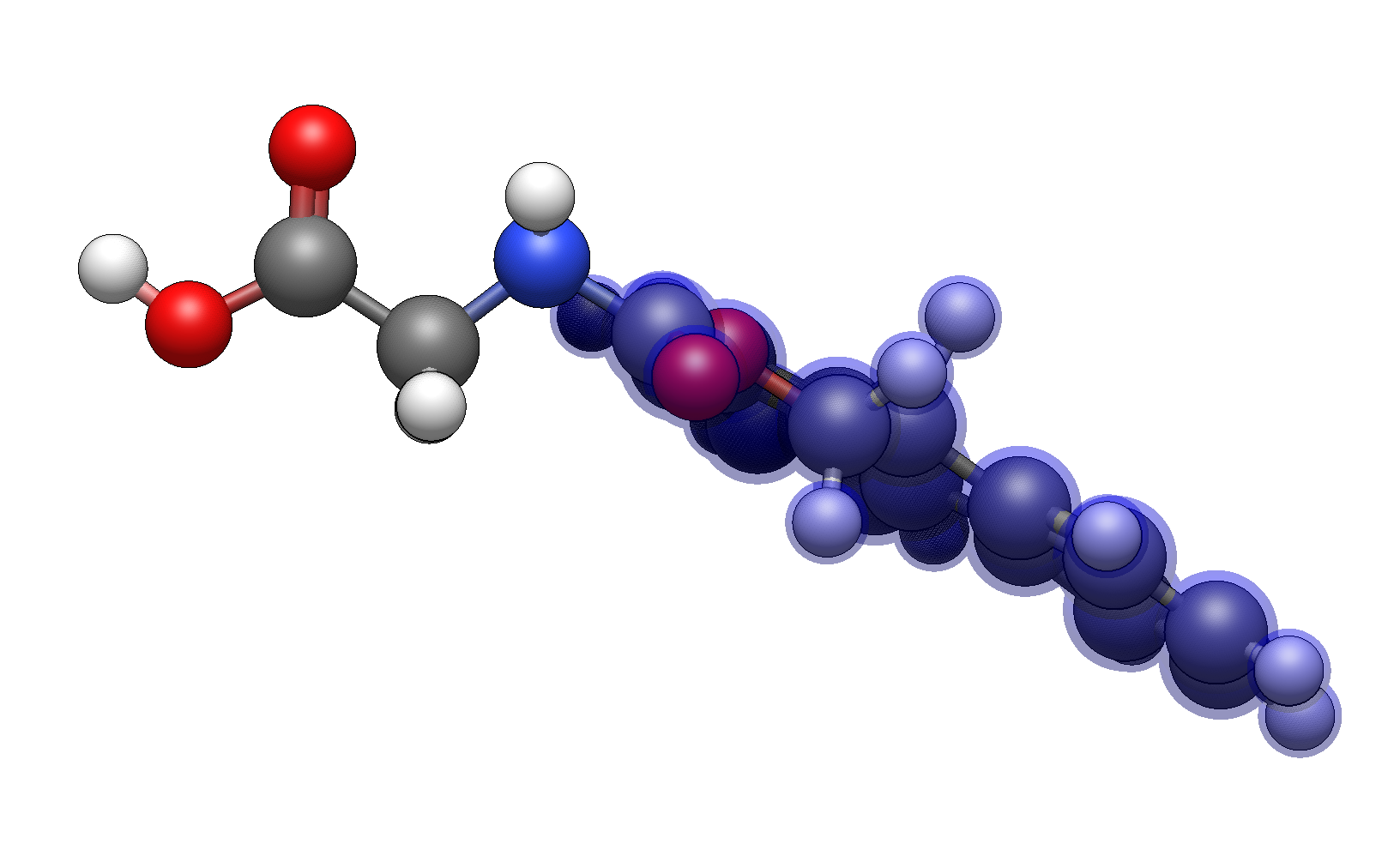
Available protecting group shortcuts:
Shortcut |
Protecting Group |
Common Use |
|---|---|---|
|
BOC (tert-butyloxycarbonyl) |
Amine protection |
|
Cbz (benzyloxycarbonyl) |
Amine protection |
|
Fmoc (fluorenylmethoxycarbonyl) |
Solid-phase peptide synthesis |
|
Tosyl |
Amine/alcohol activation |
|
Mesyl |
Alcohol activation |
|
Trityl |
Thiol/amine protection |
|
Troc |
Amine protection |
Summary: Functional Group Shortcuts#
Quick Reference#
Category |
Examples |
|---|---|
Alkyl chains |
|
Cycloalkyl |
|
Branched |
|
Carbonyl |
|
Nitrogen |
|
Oxygen |
|
Sulfur |
|
Halogenated |
|
Aromatic |
|
Workflow Pattern#
Draw or insert base structure
Activate Template Tool (Ctrl+3)
Go to Groups tab (→ twice)
Type shortcut for desired group
Click hydrogen to replace
Repeat for additional groups
Optimize geometry
See Also#
Template Tool Reference for the complete shortcut list
Building with SMILES for an alternative rapid-building method
Import by Name to import molecules by name over the network from PubChem
Insert Fragments for inserting complete molecular fragments